Security Optimizer Plugin Tutorial
In this tutorial, we will provide you with information about the different functionalities that Security Optimizer provides.
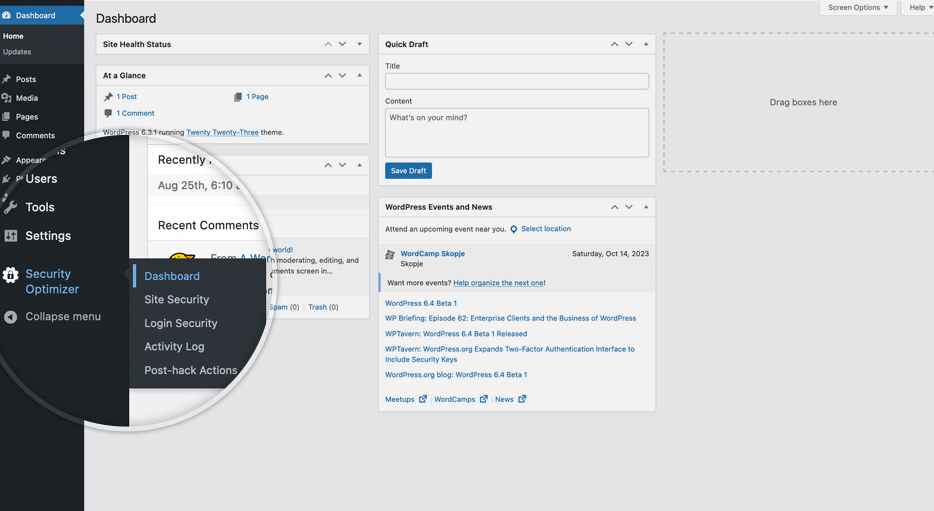
After installing the plugin, go to your WordPress admin panel and click the Security Optimizer menu item to access its dashboard.
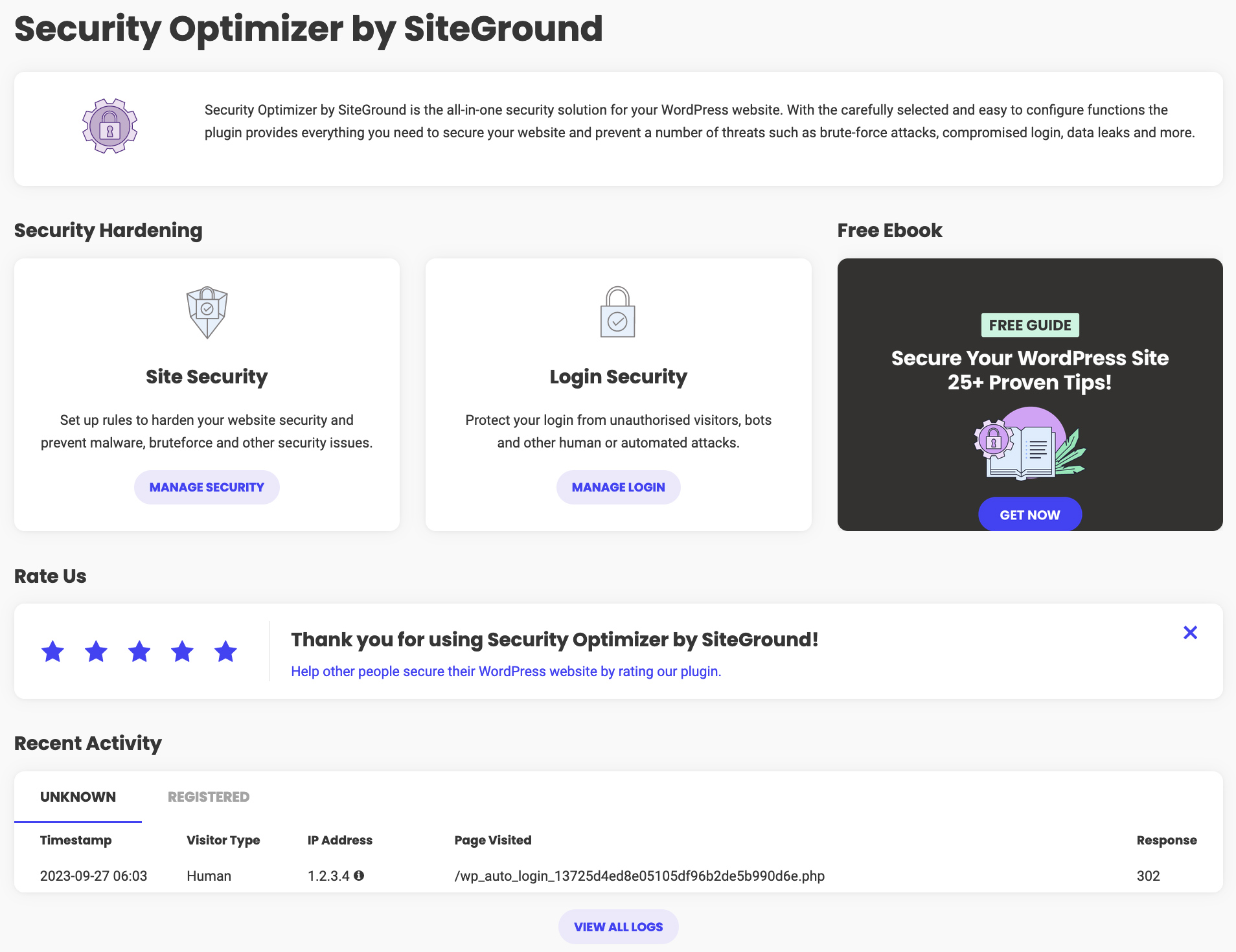
You can find quick navigation links to the different security categories if you want to make any changes. At the bottom of the page you can see a list of all the recent activity on your website.
Our tutorials cover the following topics in details: