How to change fonts
To change the fonts used on your Website Builder or Ecommerce site, follow these steps:
- Click Edit Website in your Site Admin.
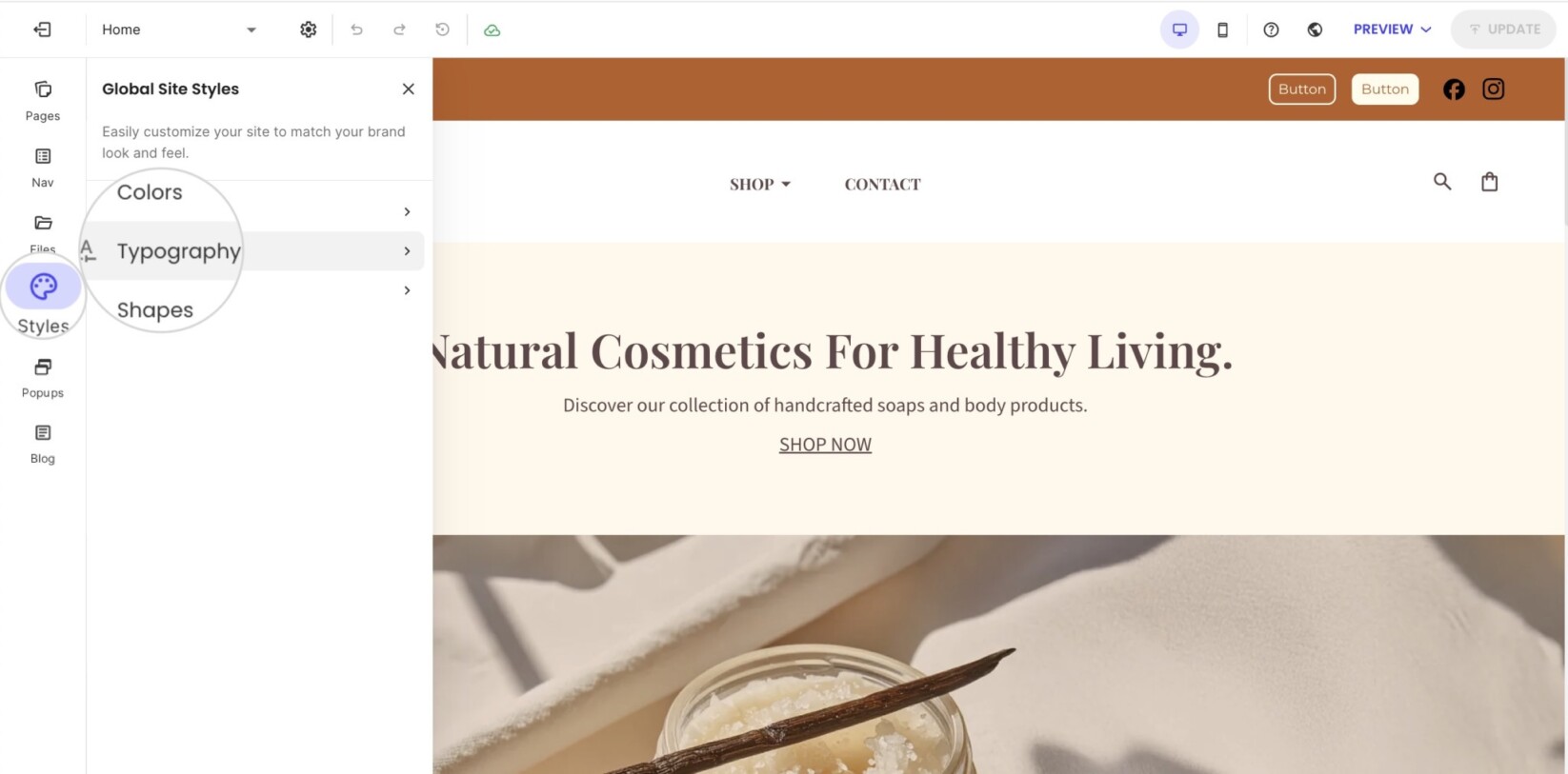
- Open Styles in the left menu toolbar.
- Click on Typography.
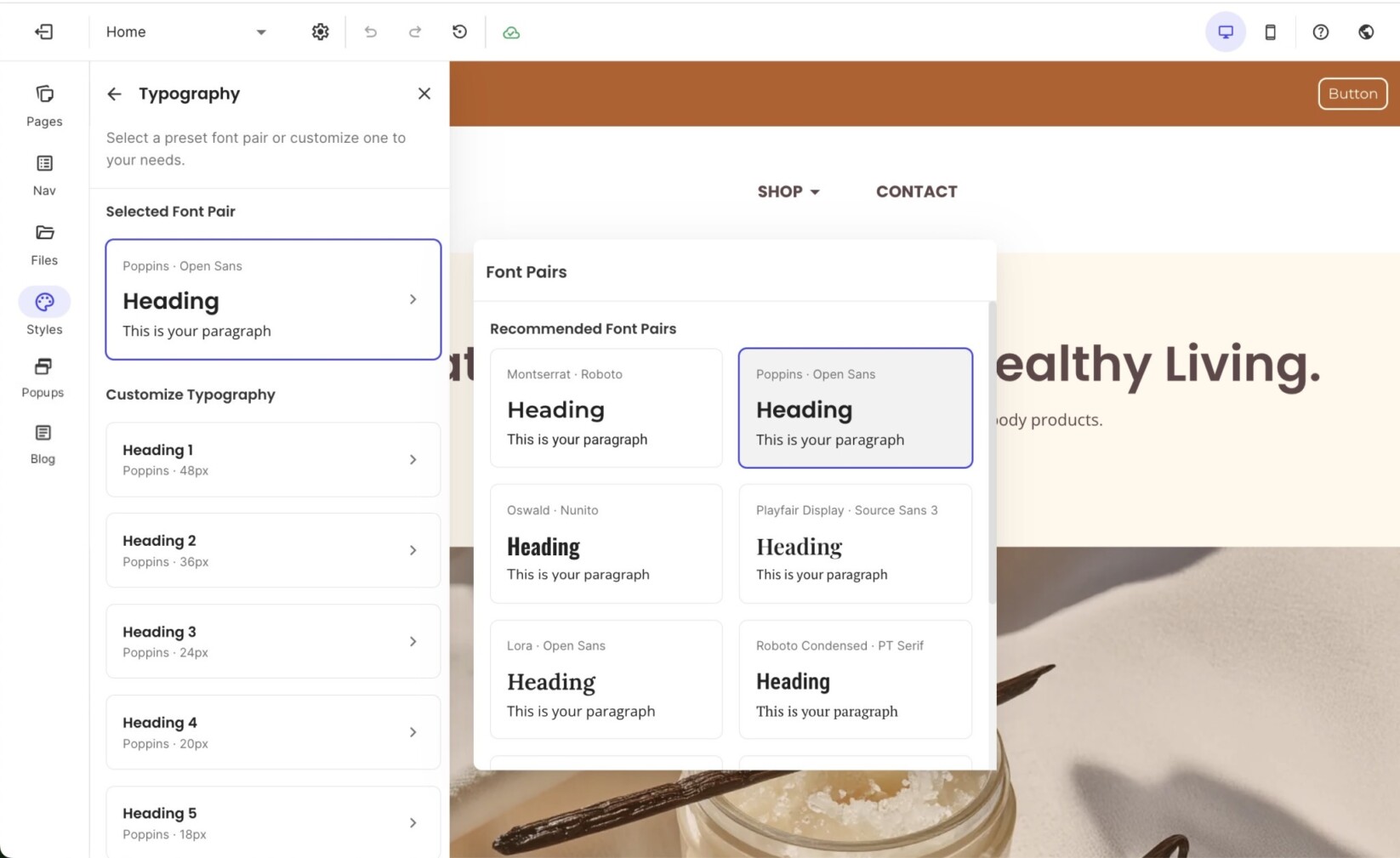
- Click on the font card under Selected Font Pair to quickly switch to different presets of font combinations for the headings and the paragraph text.
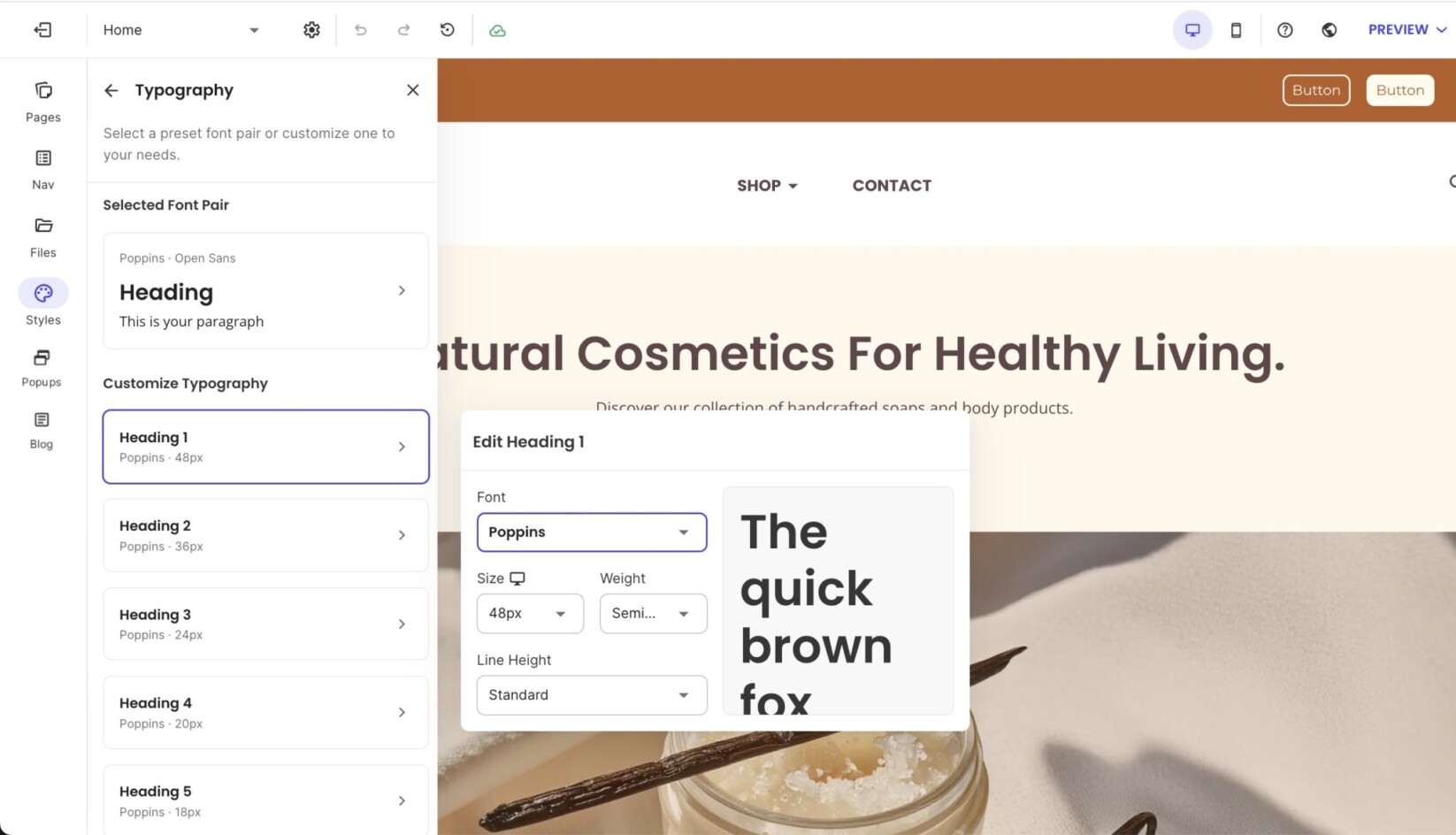
- If you wish to customize the font for each heading and the paragraph text, move down to the Customize Typography section.
- Click on an item in the list to change the font, size, weight, and line height.