How do I cancel my hosting?
It takes just a few clicks to cancel your hosting. To do it:
- Go to your Client Area > Services > Hosting
- Then, press Settings next to the chosen hosting plan.
- Click on the kebab menu on the right and select Cancel.
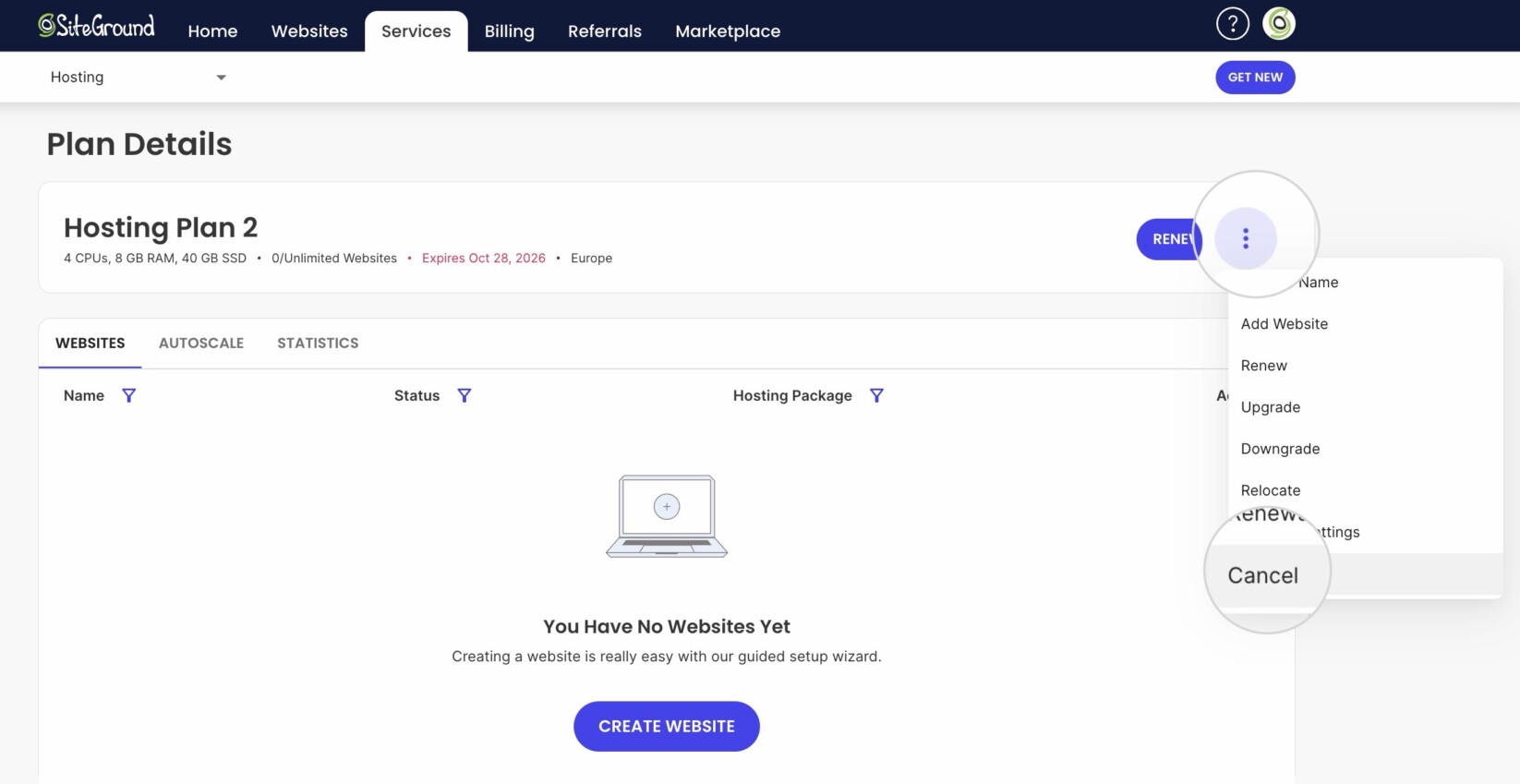
- Choose when you’d like to cancel it: at expiration or immediately
- Click Continue and follow the steps described there.
If you choose to cancel your account immediately, note that the websites for the account and all data for them are immediately removed, so make sure that you back up the data you need before the final cancellation confirmation.
Extra services like any domain names and domain related services will remain active.
Before you proceed with the cancellation, if the current hosting plan exceeds your budget, you can downgrade it and choose a more suitable option instead.